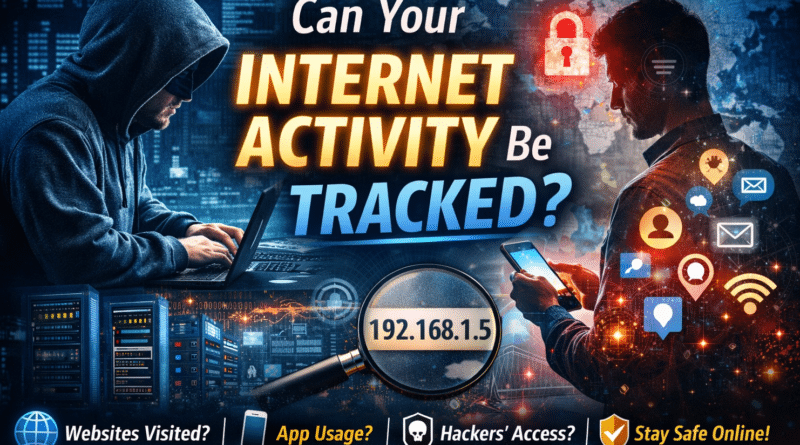
Can Your Internet Activity Be Tracked? What Others Can See, Who Has Access & How to Stay Safe Online
Have you ever paused and wondered:
- Is my internet activity really private?
- Can someone see which websites I visit or apps I use?
- Who actually has access to this information—and how easily?
- Can this data be misused for cyber crime?
In today’s digital-first world, every click, scroll, and app session leaves behind a digital footprint. While most users assume complete privacy, the reality is more layered—and understanding it is the first step toward staying safe.
Let’s break it down in a simple, honest way.
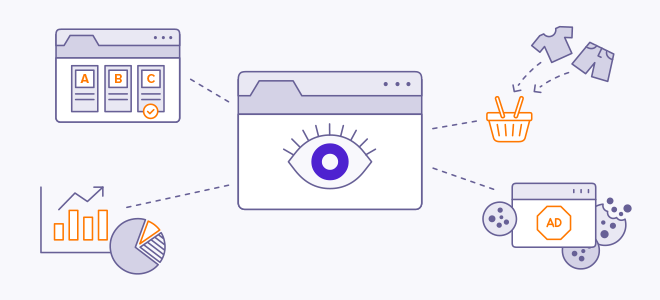
Can Your Internet Activity Really Be Tracked?
Short answer: Yes—but not in the way most people fear.
Your internet activity is not watched live, and no one is reading your messages randomly. However, technical metadata about your internet usage is logged every time you connect online.
This tracking mainly happens through IPDR (Internet Protocol Detail Records), which are maintained by Internet Service Providers (ISPs).
What Information Is Created When You Go Online?
Each time you access the internet, systems automatically generate technical records such as:
🌐 Network-Level Details
- Your public IP address
- Subscriber or connection ID
- Type of internet connection (mobile data, fiber, Wi-Fi)
⏱️ Time & Usage Information
- When you connected
- How long the session lasted
- Approximate data usage
📡 Destination Details
- Website domains or server IPs contacted
- App servers accessed (social media, OTT, messaging platforms)
⚠️ Important clarity
This does not include chat messages, emails, passwords, photos, videos, or browsing content.
Can Anyone See Which Websites You Visit?
Partially—only at domain level.
ISPs can technically see:
- Which domain or server IP you connected to
- Time and duration of access
They cannot see:
- Individual pages you open
- Searches you make
- What you type or view
- Login credentials
Thanks to HTTPS encryption, website content remains private—even from ISPs.
What About Mobile Apps? Can App Usage Be Tracked?
Indirectly, yes.
Connection patterns can reveal:
- Approximate time spent on apps
- Frequency of usage
- Data-heavy apps (streaming, social media)
However:
- Messages
- Voice/video calls
- Media shared inside apps
remain encrypted and unreadable.
Who Can Access This Internet Activity Information?
This is where curiosity often turns into concern.
🔐 Authorized Access
- Internet Service Providers (ISPs)
- Law enforcement agencies
- Cyber crime investigation units
🧾 How Access Is Granted
- Court orders
- Lawful interception requests
- Strict regulatory procedures
In India, this process is governed under telecom and lawful interception rules regulated by Telecom Regulatory Authority of India.
👉 This data is not openly available and cannot be accessed casually.
Can This Information Be Misused?
✔️ When Used Lawfully
- Cyber fraud investigations
- Tracking phishing and scam operations
- Identifying impersonation and online abuse
- National security cases
❌ When Accessed Illegally
If such metadata falls into the wrong hands, it could be misused for profiling or targeted attacks—but the bigger real-world threat comes from hacked accounts and devices, not ISP logs.
The Bigger Threat: What If Hackers Get Access to Your Account or Device?
This is where the risk increases dramatically.
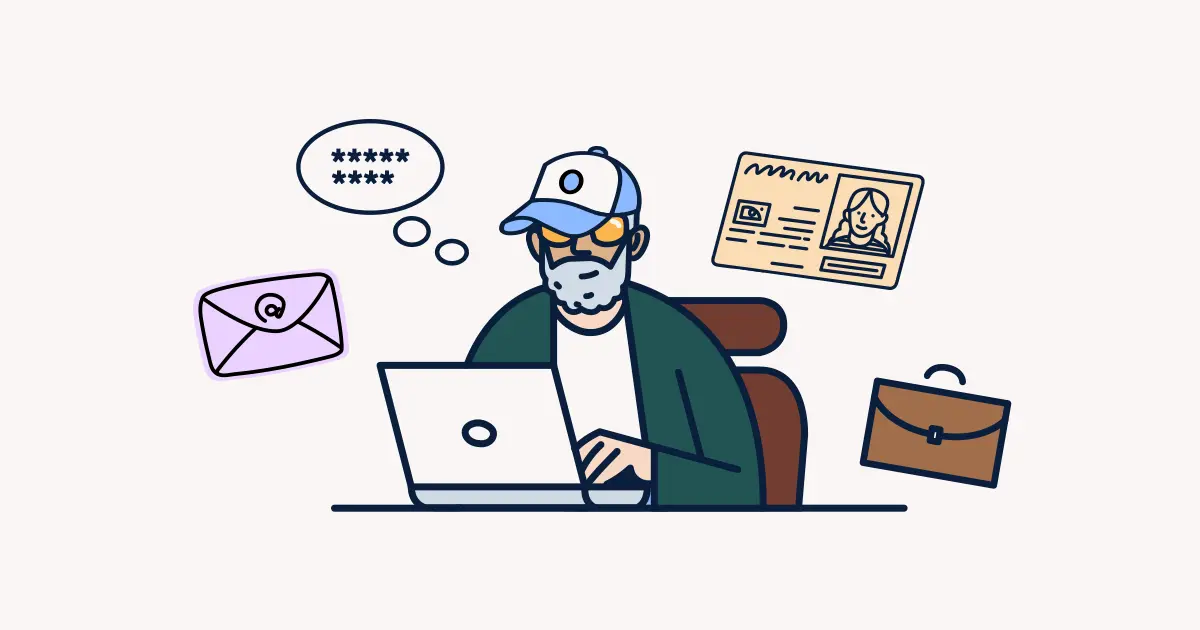
If hackers gain access to your email, phone, laptop, or online accounts, they don’t need ISP data at all. They can directly see and steal actual content, not just metadata.
How Hackers Usually Gain Access
Most hacks don’t involve advanced technology—they exploit human mistakes:
- Phishing emails or SMS links
- Fake login pages
- Malicious apps or browser extensions
- Weak or reused passwords
- Unsecured public Wi-Fi
- Social engineering calls
Once access is gained, the damage can escalate quickly.
What Information Hackers Can Steal and Misuse
If your account or device is compromised, attackers may access:
🔓 Personal & Sensitive Data
- Emails and attachments
- Contacts and chat history
- Saved passwords
- Photos, documents, and cloud backups
💳 Financial Information
- Banking and UPI apps
- Card details and transaction history
- OTP interception (in certain scenarios)
📱 App & Identity Data
- Social media accounts
- Location history
- Office or corporate credentials
- Linked accounts via single sign-on
How This Data Is Misused in Cyber Crime
Stolen information is commonly used for:
- Identity theft
- Financial fraud
- Account takeovers
- Blackmail and extortion
- Impersonation scams
- Selling data on the dark web
- Targeting your contacts for secondary attacks
Many victims are attacked multiple times once their data is compromised.
Why This Risk Is Bigger Than ISP Tracking
| ISP / IPDR Tracking | Hacked Account or Device |
|---|---|
| Metadata only | Full data access |
| Regulated & lawful | Illegal & malicious |
| Cannot read content | Can read everything |
| Limited & audited | Continuous misuse |
👉 The real danger is not being tracked—it’s being compromised.
Security Measures to Protect Yourself from Cyber Crime
🛡️ 1. Secure Your Email First
Your email controls password resets for most services.
- Strong, unique password
- Enable multi-factor authentication (MFA)
- Monitor login alerts
🔐 2. Stop Reusing Passwords
Use a password manager to generate and store strong passwords.
📲 3. Keep Devices Updated
Security updates fix vulnerabilities hackers exploit.
🚫 4. Think Before You Click
Urgent messages, unknown links, and unexpected attachments are red flags.
🌐 5. Be Careful on Public Wi-Fi
Avoid logging into:
- Banking apps
- Official portals
- Work accounts
Final Takeaway
Your internet activity is not invisible, but it’s also not openly exposed.
- ISPs see connection metadata—not content
- Authorities access data only through legal processes
- Hackers rely on weak security and human error
Understanding this difference helps you focus on the real threat surface:
👉 Your accounts, your devices, and your digital habits
In cybersecurity, awareness isn’t optional—it’s protection.