YouTube Lets Parents Limit Shorts Scrolling Time: How It Works, Benefits & Settings
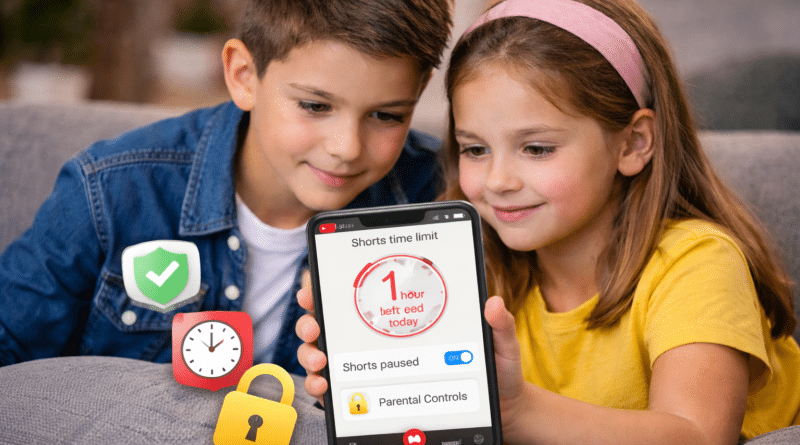
YouTube has rolled out a new parental control feature that lets parents set time limits on how long their children can scroll through YouTube Shorts — the platform’s short-form video feed. This is part of YouTube’s broader effort to promote healthier viewing habits and digital wellbeing for teens and kids.
✅ What the New Shorts Time Limit Feature Is
YouTube now allows parents to set a daily time limit for how long kids and teens can scroll through the Shorts feed on supervised accounts. Parents can choose how much time their children get, from short durations up to multiple hours, and YouTube is working on an option that lets parents set the time limit to zero, effectively blocking Shorts entirely when needed.
This feature sits alongside existing wellbeing tools like “Take a Break” and “Bedtime” reminders, but unlike those, the Shorts limit is controlled by parents and cannot be changed or dismissed by kids with a supervised account.
📈 Why This Matters (Impact on Families)
✅ Helps Build Healthy Habits
Shorts can be highly engaging and easy to scroll through for long periods. A time limit helps children learn to manage their screen time and avoid getting stuck in endless feeds.
✅ Better Focus During Study or Sleep
Parents can disable or reduce Shorts time during homework hours, family time, or bedtime — making it easier for kids to stay focused.
✅ Digital Wellbeing Support
This feature reflects wider industry trends toward screen time awareness and control, similar to tools on other platforms like TikTok and Instagram.
✅ Age-Appropriate Controls
The time limit works with supervised accounts, meaning kids under 18 can’t bypass it. YouTube is also updating its sign-up process to make it easier for parents to set up the right account type.
📱 How to Enable Shorts Time Limits
Here’s how parents can set up and use this feature on the YouTube app:
✅ Step-by-Step (YouTube Mobile App)
- Open the YouTube app on your phone.
- Tap your profile icon in the top right.
- Go to Settings > Supervised Settings.
- Select your child’s account under supervised accounts.
- Find the Shorts time limit option.
- Choose how much time your child can spend scrolling Shorts each day.
- Save your settings.
Depending on your region and app version, you may also be able to set the limit to zero to disable Shorts entirely during certain periods.
⚖️ Tips for Parents
✅ Talk with your child about why limits are set (better acceptance).
✅ Combine the time limit with Bedtime and Break reminders for overall screen management.
✅ Use supervised accounts so settings can’t be bypassed by the child.
✅ Final Thoughts
YouTube’s new Shorts time limit feature represents an important step toward safer and more intentional viewing habits for children and teens. By giving parents direct control over how much time kids spend on short-form video content, YouTube is addressing growing concerns over screen addiction and digital wellbeing in the age of endless scrolling.